














BlockCraft
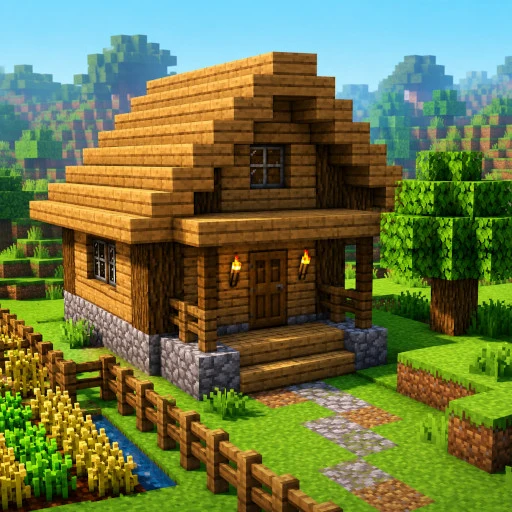
BlockCraft is a Minecraft-style voxel sandbox right in your browser. The huge world is made of blocks, and you can break and place them however you like: dig mines, build houses and castles, bridge rivers.
The world is genuinely big and varied — more than twenty biomes: oak and birch forests, cactus deserts, snowy mountains, jungles, swamps, acacia savannas and striped badlands. Ores hide underground where the deep mines get dark — glowstone comes in handy — and at night the world comes alive in its own way.
The game features flowing water, TNT with chain explosions, a day-night cycle, flying and sprinting. No installation, no registration — just jump in and play for free on your phone or computer.
How to play
On a phone:
Move — joystick on the left side of the screen.
Look around — drag your finger across the screen.
Place a block — a quick tap on the world.
Break a block — press and hold your finger on the block; keep holding and slide to break blocks in a row.
Jump — the round button on the right. Double-tap it to toggle flying (a descend button appears next to it).
The block in your hand is shown in the bottom-right corner. The grid button at the top right opens the inventory to pick a block; the hotbar is at the bottom.
On a computer:
Move — WASD, look around — mouse.
Left mouse button — break a block, right button — place one.
Space — jump, double-tap — fly.
E — inventory, number keys 1–9 or the mouse wheel — select a block.